


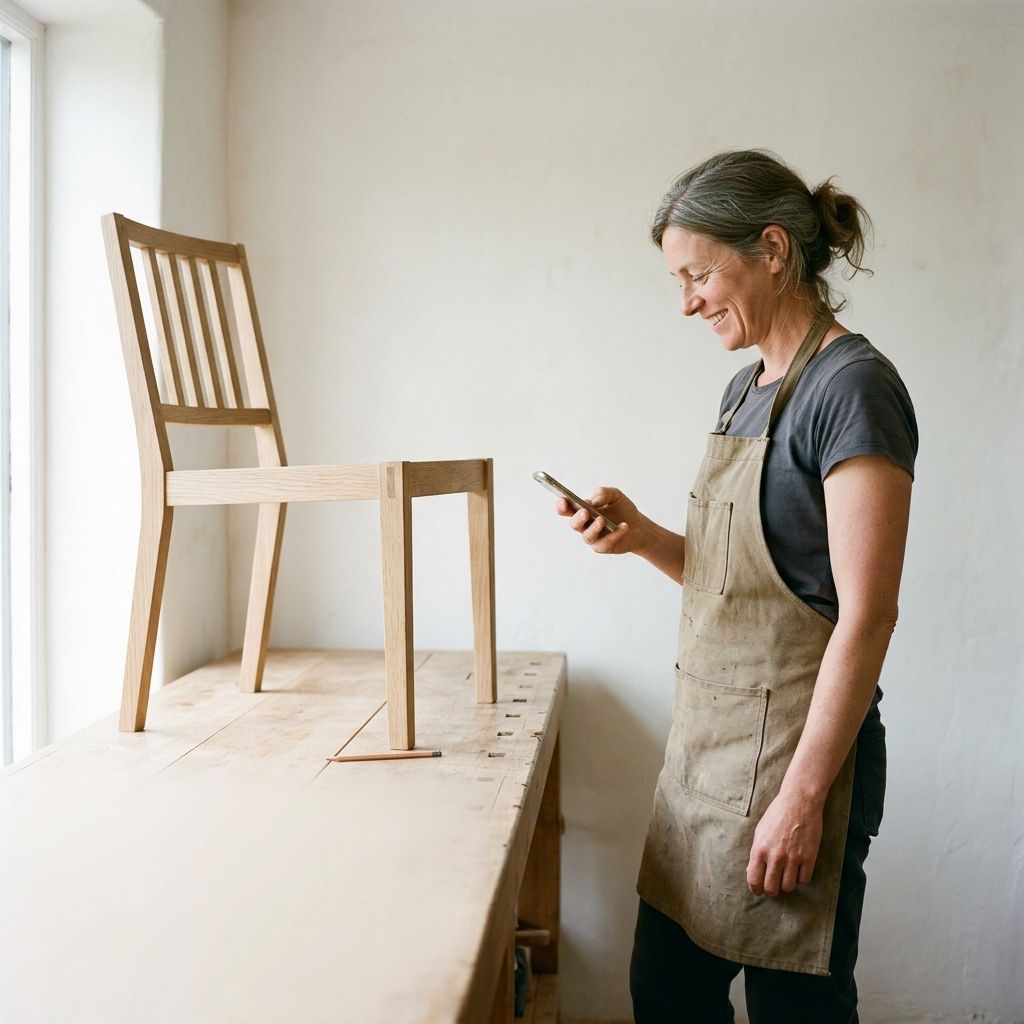

Documentary photography
For heroes and sections about the people we serve.
- Do
- Real owners in their own shops and studios. Window light, candid, hands busy.
- Don’t
- Posed handshakes, glossy stock, lens flare, heavy color grading.
Brand guidelines
How Novo looks and sounds, for anyone making work about us: designers, agencies, partners and press.
Principles
Big, heavy headlines over quiet, roomy copy. Flat surfaces. Real small-business owners in real places. Color is an event, not a background.
Pages start on warm off-white, never pure white. White is for cards that sit on top.
Separate things with a surface, a thin hairline or a corner radius, never a drop shadow.
Calls to action are black and turn dark indigo on hover. Novo Blue is saved for the logo and hero moments: one colored element per view.
Display headlines are uppercase, tight and short. If a headline reads like a sentence, it is too small.
Cards round to 48px on desktop. Buttons and inputs are the least rounded thing on the page.
Color and border changes take half a second on one easing curve. Nothing bounces.
Logo
Use the files as they are. Don’t recolor, stretch, outline or rebuild the logo, and don’t place it on a photo without a solid field behind it.
Color
The palette is a single indigo family with black, warm off-white and white. Status colors appear only in forms, charts and data.
$color-off-white$color-white$color-black$color-dark-grey$color-grey-3$color-grey-1$color-brand$color-accent$color-dark-anchor$color-errorTypography
One typeface in five weights. Display headlines are uppercase with 80% line height. Everything below them is sentence case.
h-1 → h-6 · 600 · 80% · −3% · uppercase · 64–180pxRun your business
h-4 · 400 · 110% · 48pxEverything your business needs, in one account.
t-1 / t-2 · 600 / 500 · 100% · 32px / 20pxPay vendors by check
b-2 / p-1 · 400 · 120% / 150% · 20pxSend invoices, accept cards and pay vendors from one place, without monthly fees.
l-1 · 500 · 100% · 16pxOpen an account
p-4 · 400 · 120% · +1.5% · 11pxFine print and legal disclosures sit at 11px with a little extra letter spacing.
Where Founders Grotesk can’t be loaded, use Inter Tight as the stand-in.
Imagery
Pick the look by what the image has to do, and keep to one look per module.
For heroes and sections about the people we serve.

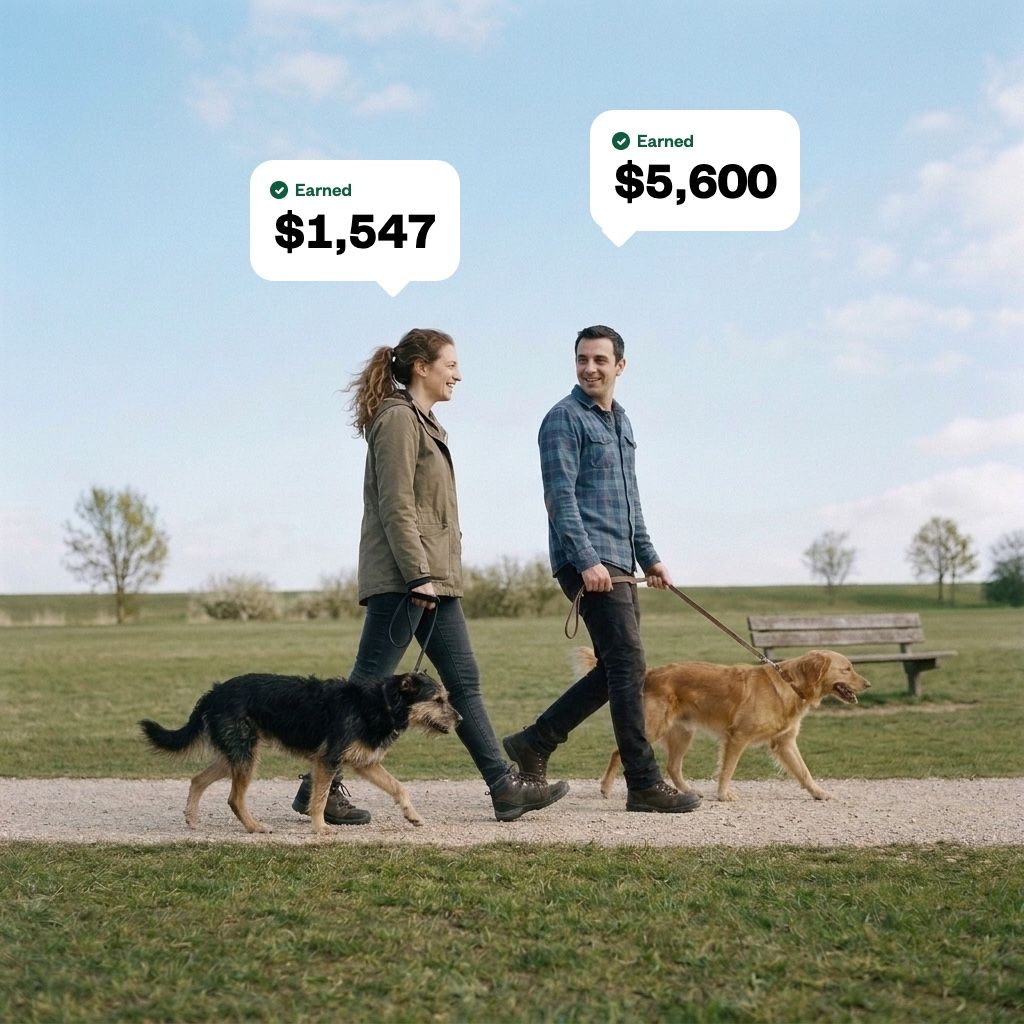
For showing one thing Novo does.
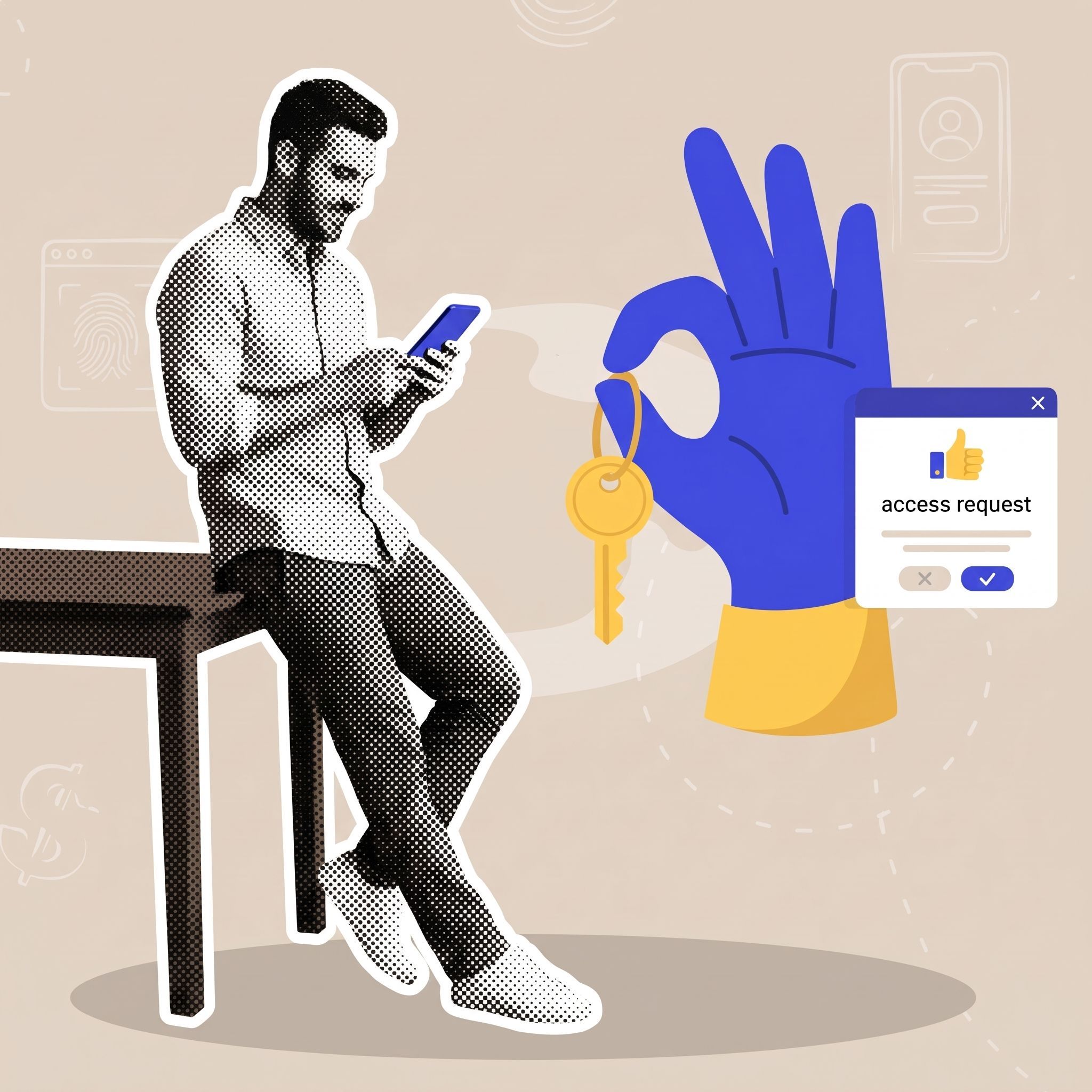

For explaining ideas and processes.

For testimonials and quotes.
Components
These are the site’s own components, rendered live. Hover the buttons to see the label roll.
Black primary, outlined secondary. One primary per view.
Fully rounded labels for categories and facts.
White, a hairline border, an 8px corner. Errors turn the border red.
Enter a full email address, like rosa@rosasbakery.com.
White on paper or 7% white on black. No border, no shadow.
Novo mails a paper check for you, right from your phone.
Set money aside for taxes, payroll or a slow season, inside your account.
Simple single-color glyphs on a 16px grid. They take the color of the text around them. The sparkle is reserved for Novo Assist.
Product
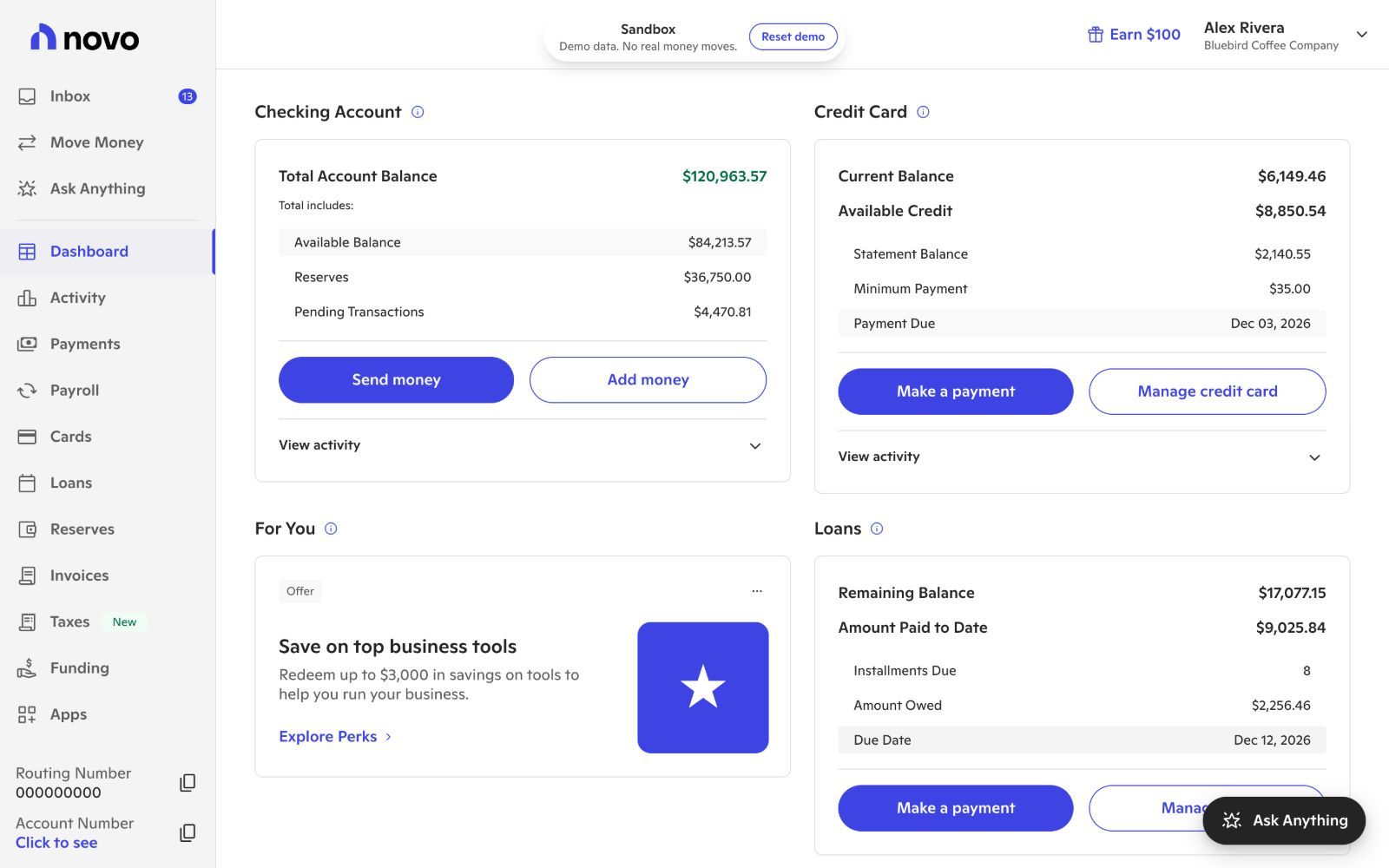
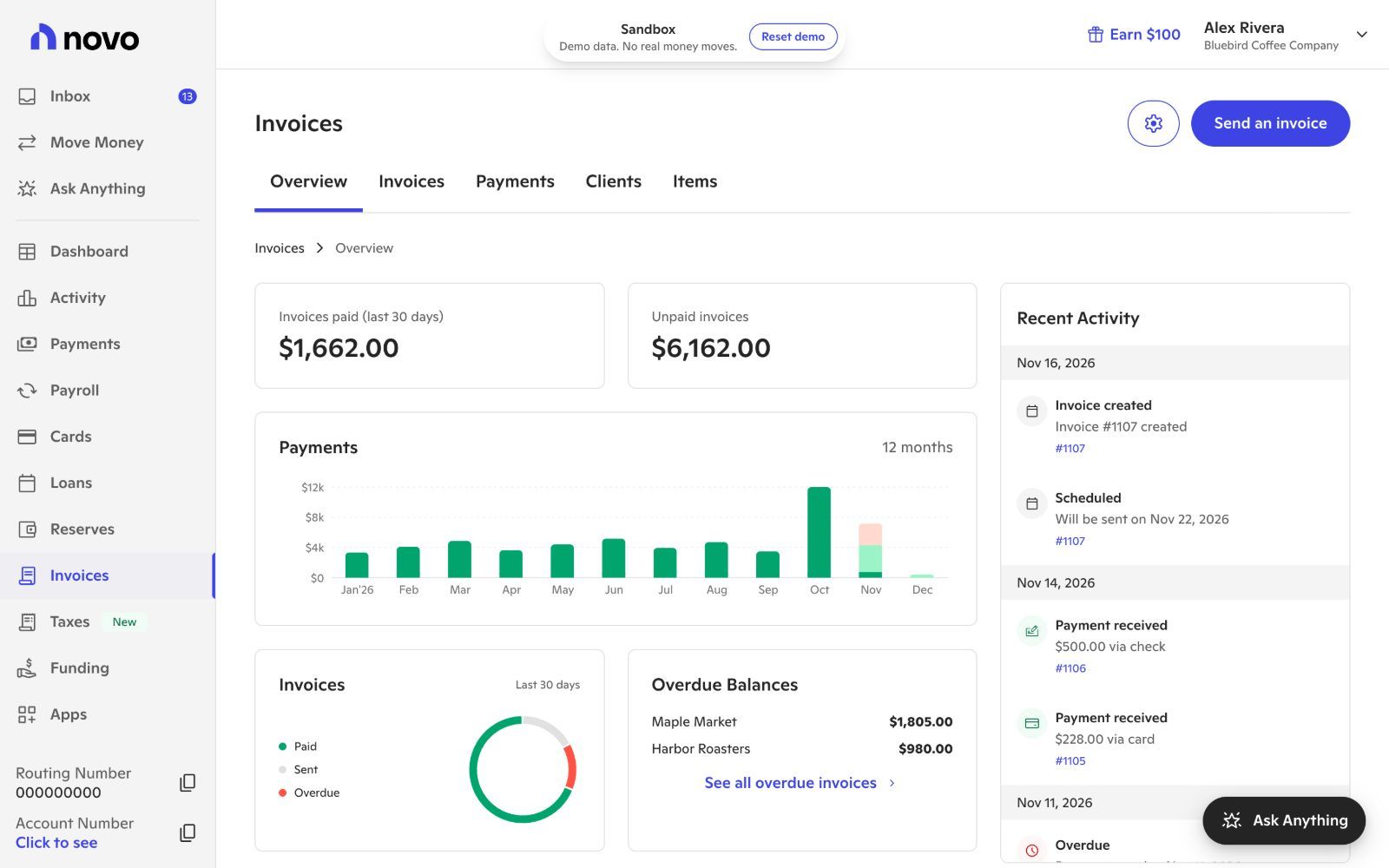
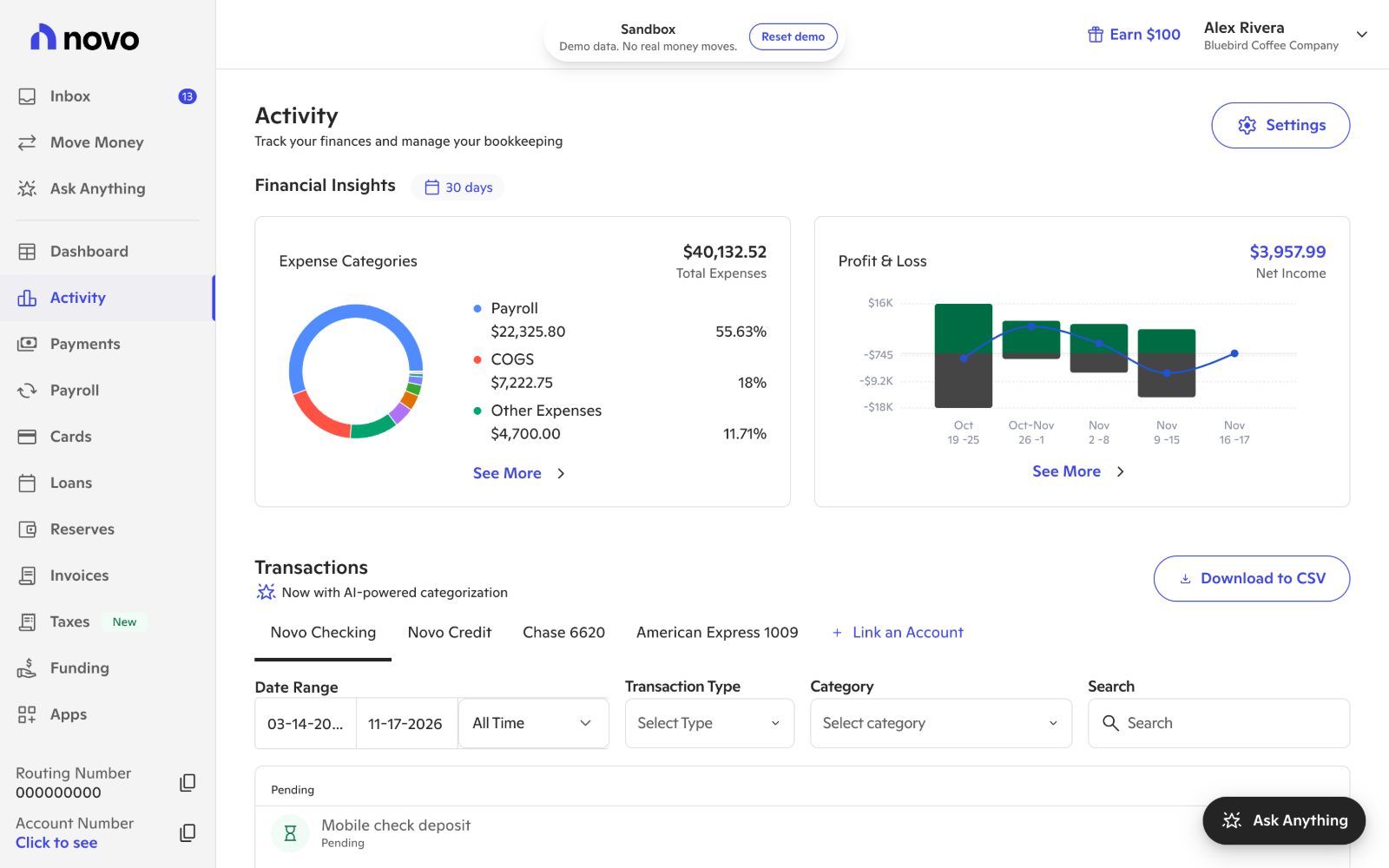
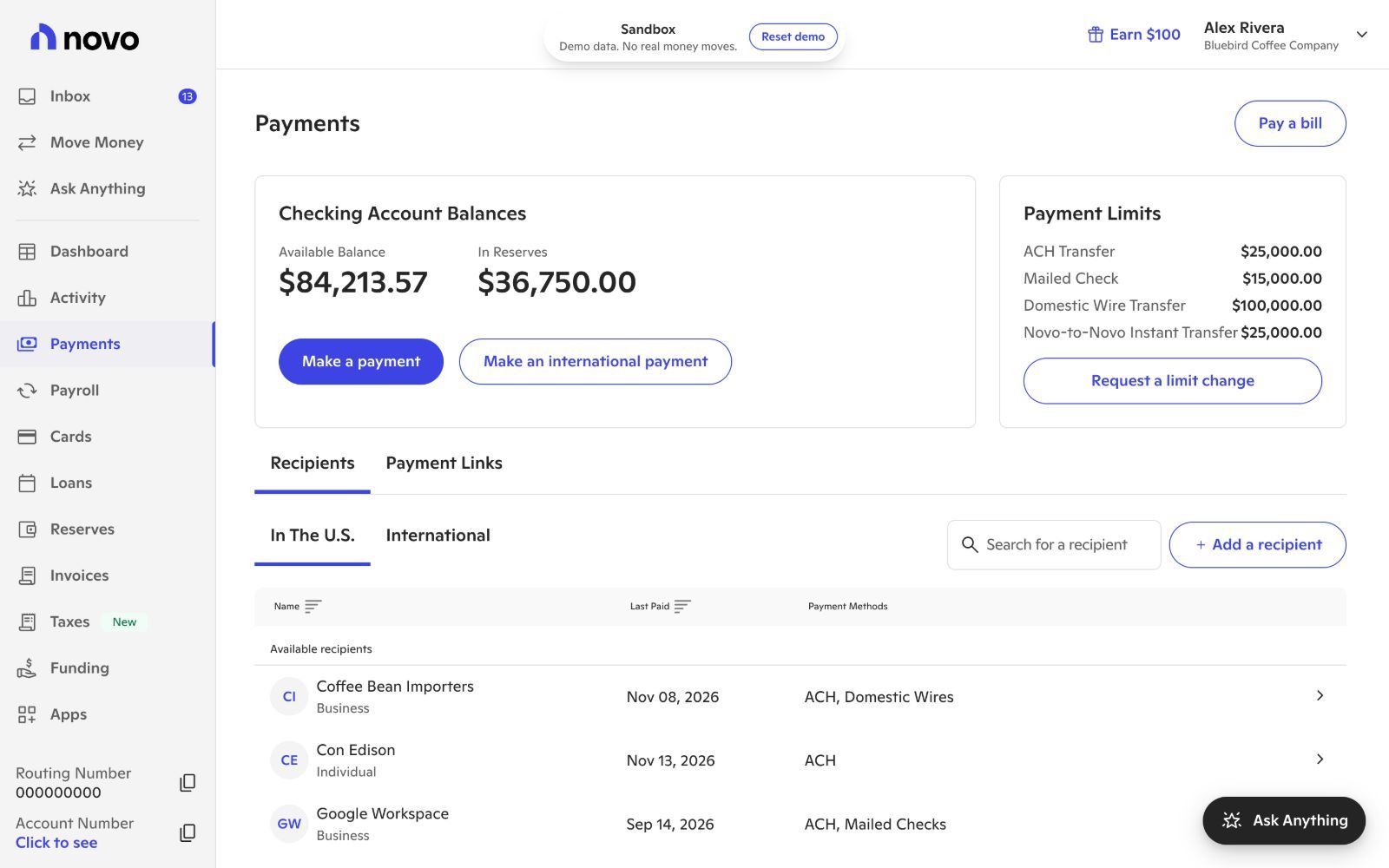
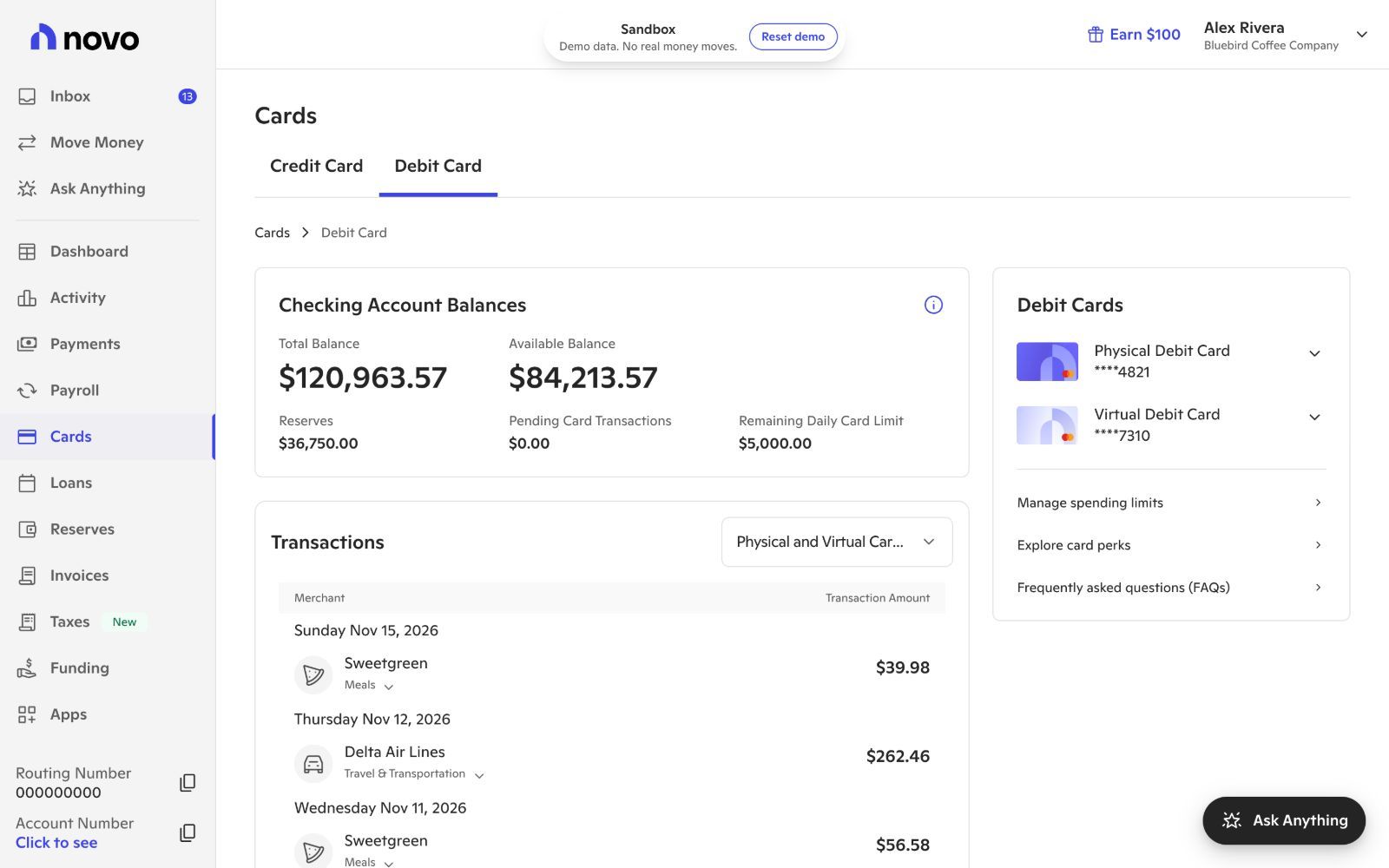
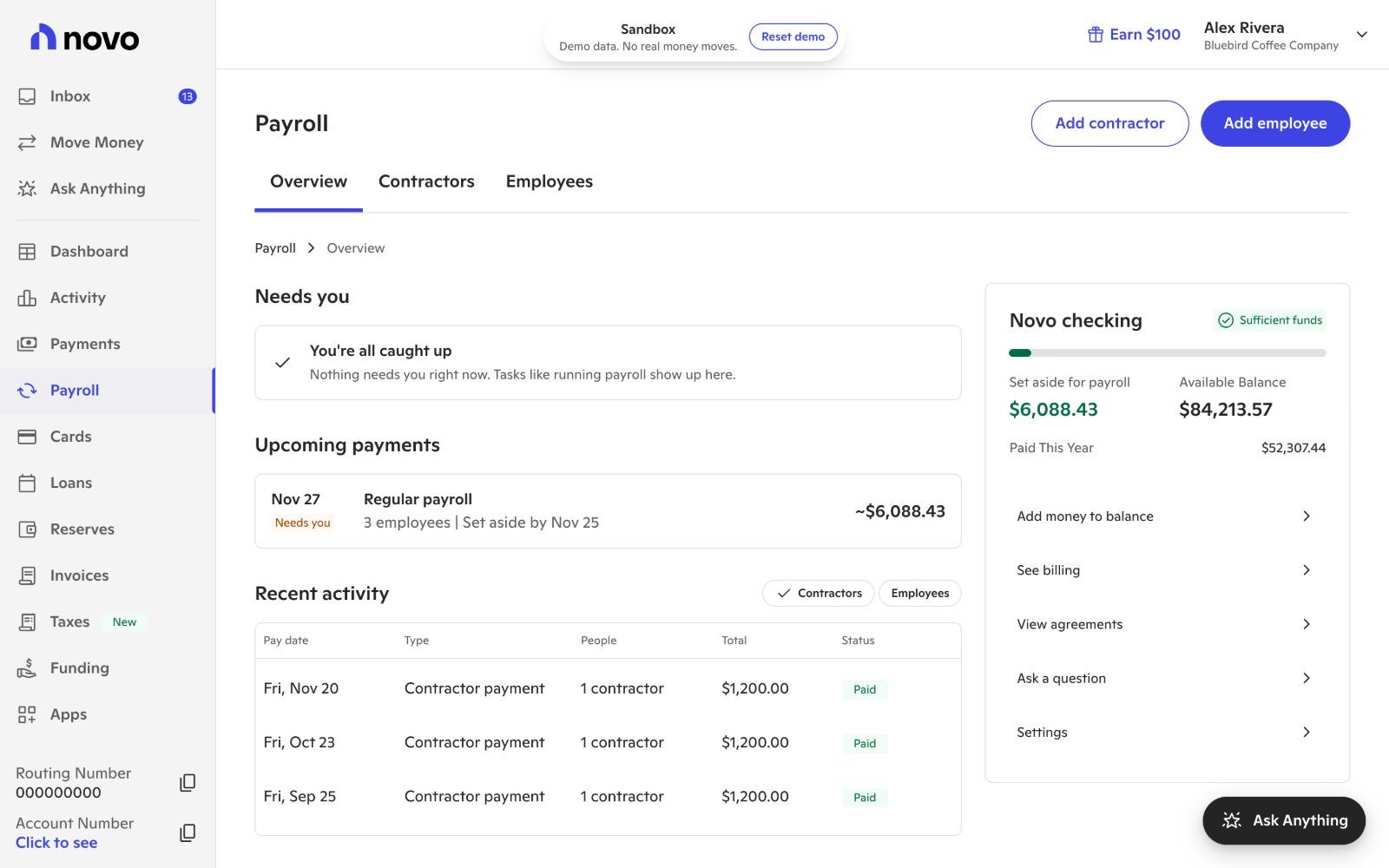
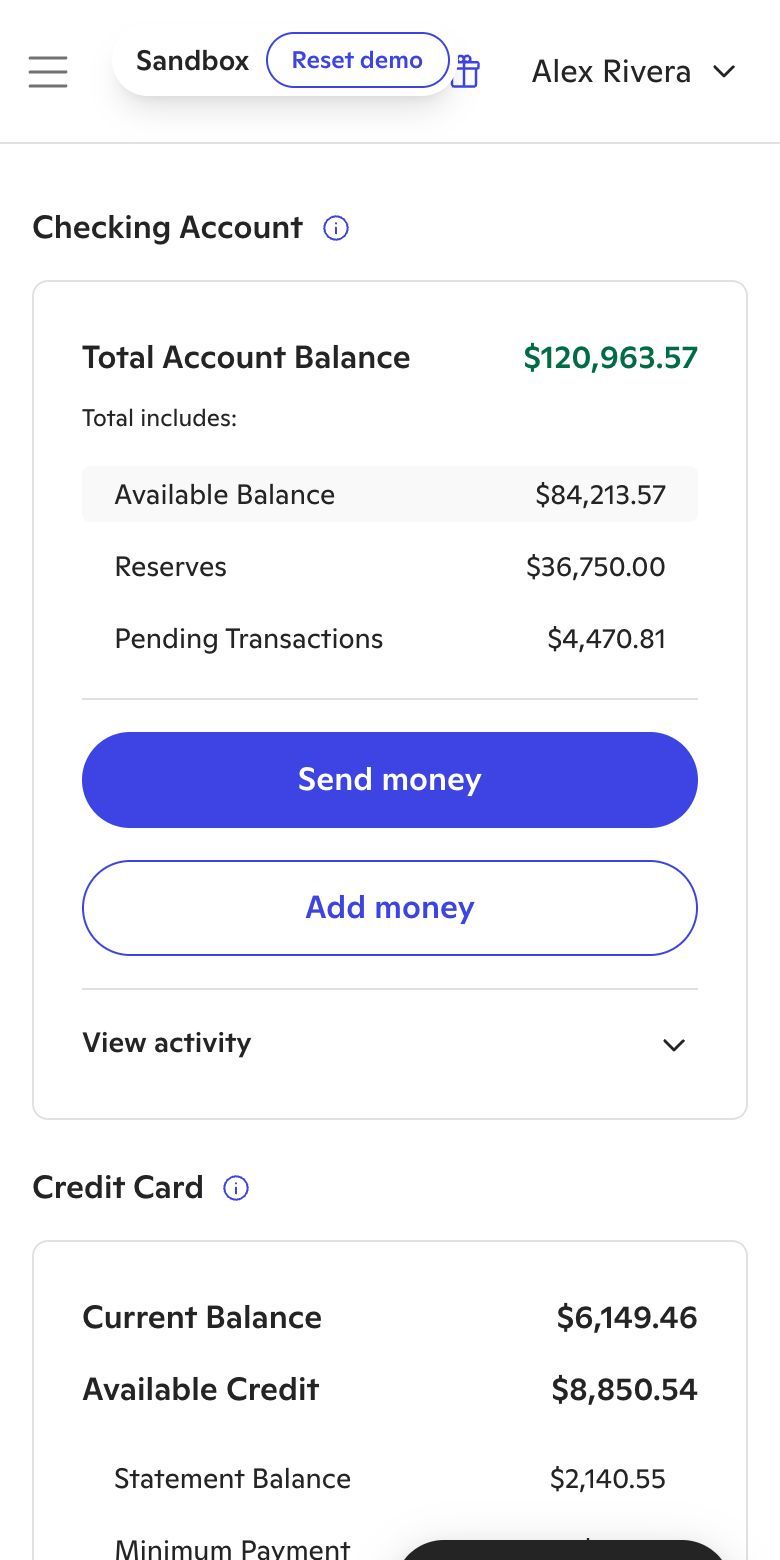
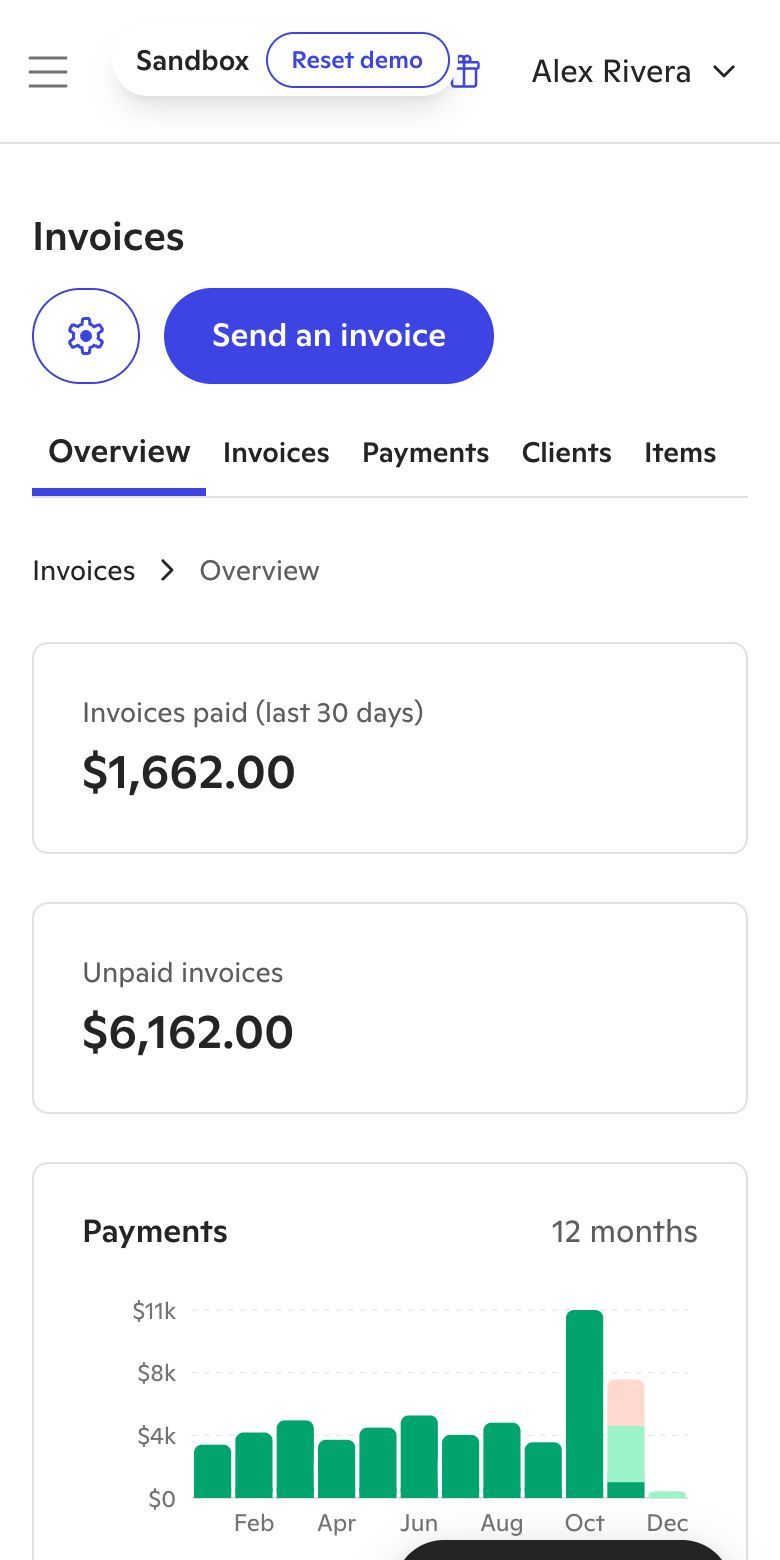
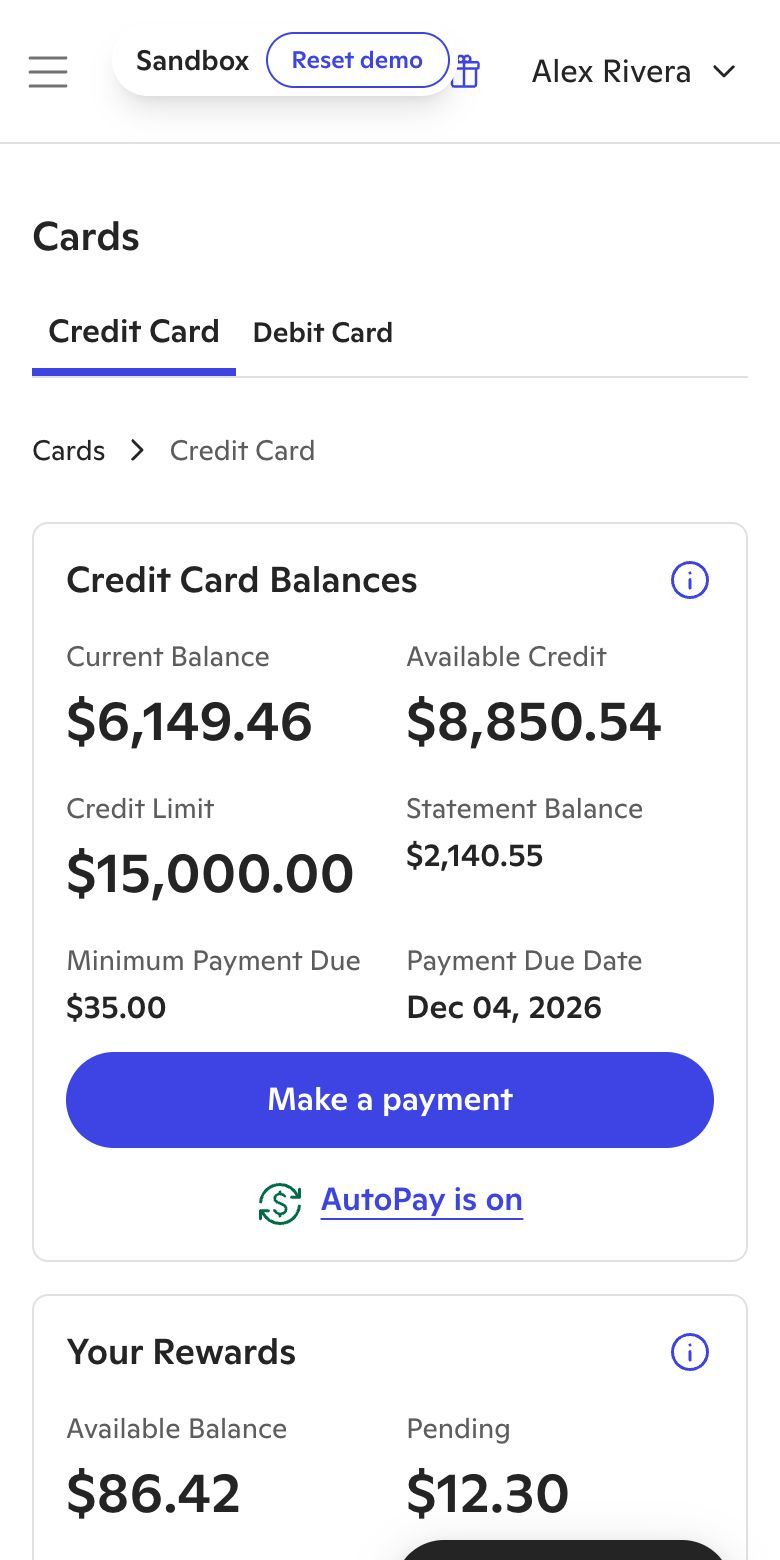
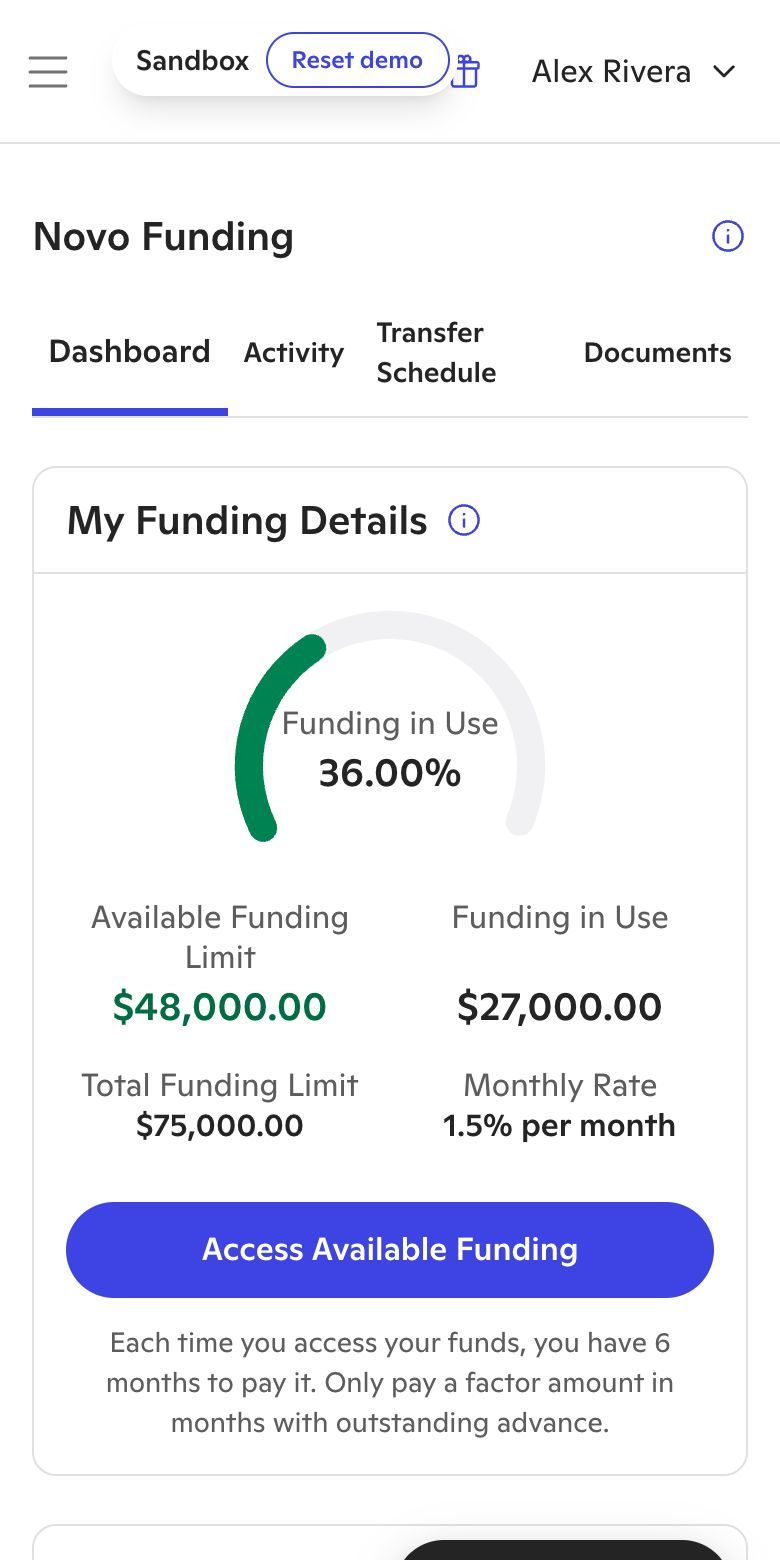
The Novo app has its own design system built for dense, everyday banking. When you show the product in marketing, keep its screens as they are and let the brand frame them.
| Aspect | Brand and marketing | Novo app |
|---|---|---|
| Typeface | Founders Grotesk | ABC Ginto, with Recoleta for display |
| Headlines | Uppercase display | Sentence case |
| Primary button | Black, indigo on hover | Novo Blue |
| Depth | No shadows | Soft shadows |
| Card corners | 48px | 24px |
Shared by both: Novo Blue, the logo, the error red and a flat, gradient-free look.
Screens from the Novo demo account, with demo data. Use them as they are; don’t redraw, recolor or crop out the navigation.
Voice
We write like a knowledgeable friend who runs a business too. Talk to the owner as “you”, lead with the concrete benefit and skip the jargon.
Anything that mentions accounts, deposits, rates or FDIC coverage carries Novo’s standard disclosure and goes through compliance review before it ships.
Questions about using the Novo brand, or need a file that isn’t here? Contact the press team.
Go to pressGo to press